


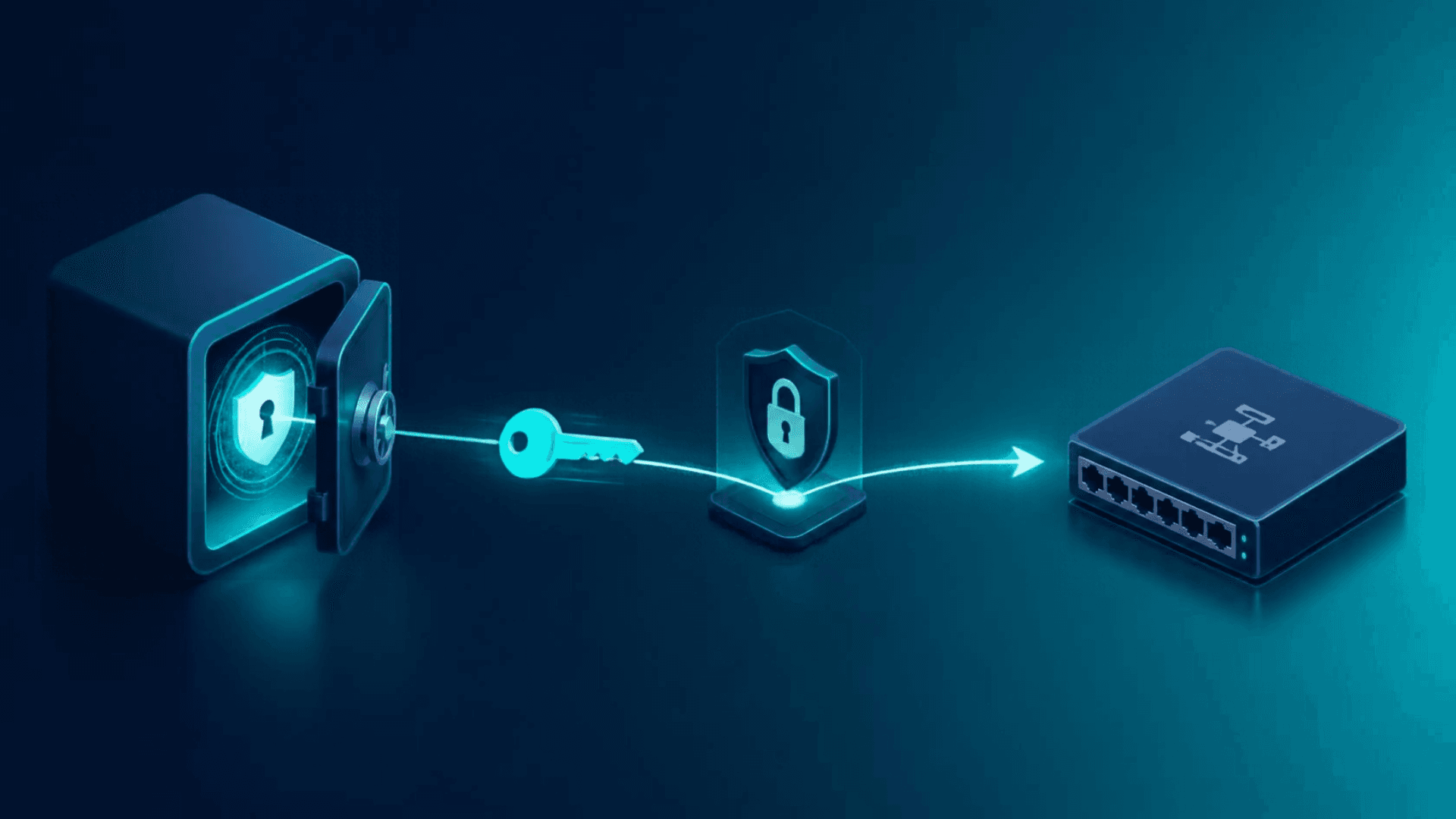
Network automation platforms require one key element to operate securely at scale: credentials. Every backup, configuration push, and compliance check depends on access to a device, and how those credentials are stored and managed reveals a lot about an organization's security posture.
Hard-coded passwords in scripts, shared administrator accounts, and credentials stored in plaintext config files are exactly the types of security risks that keep CISOs awake at night. That's why Kilter integrates directly with CyberArk, allowing network teams to retrieve credentials securely at runtime without ever storing them in Kilter.
The Problem: Credentials and Network Automation Don't Mix Well
Most network automation is developed outside the scope of enterprise PAM (Privileged Access Management) programs. Vaults like CyberArk are standard for servers and applications, but network device credentials often remain outside that governance model, stored locally, shared across teams, or embedded within automation scripts. That is a gap. It means:
- No method to verify who actually initiated a privileged action on a device.
- Credential sprawl across scripts, spreadsheets, and tribal knowledge
- A weak point in audits that otherwise demonstrate strong PAM coverage everywhere else
How the Kilter–CyberArk Integration Works
Kilter fills this gap by integrating with CyberArk's credential provider, AIM, now called Application Access Manager (AAM). This is the same method CyberArk uses to connect with other tools, so there's no need for proprietary connectors or custom APIs. A few things worth knowing about the setup:
- CyberArk offers an RPM package that installs directly on the Kilter appliance. CyberArk requires their team to perform this installation, so the process begins with a support engagement with CyberArk.
- The integration supports a wide range of CyberArk versions, from AIM/AAM 10.10 through 13.x.
- Once installed, Kilter retrieves credentials using CyberArk's standard clipasswordsdk GetPassword command, querying by Safe, Folder, and Object.
At a high level, the flow looks like this:
- A Safe is created or identified in CyberArk to store the credentials.
- An account is created for initial device authentication.
- If the device requires two-step authentication, such as an enable or expert password on a Cisco device, a secondary linked account is created.
- Permissions are configured on the Safe: the primary account requires Retrieve, List, and View Safe Members; the secondary account only requires Retrieve and List.
- On the Kilter side, an administrator configures the Vault connection under Devices > Device Authentication, then creates a CyberArk Authentication Template with the AppID, Username, Password Safe, Password Folder, and Password Object.
- That template is assigned to devices, and from then on, Kilter dynamically pulls credentials from CyberArk whenever an automation runs.
Kilter never stores credentials. All retrievals are live, controlled solely by CyberArk's access policies.
Why This Matters
For security teams, this means that network device access is now governed by the same PAM policies as servers and applications. Every credential retrieval is traceable through CyberArk, and there is no local password store on the network automation platform to worry about.
For network operations teams, the integration is mostly out of sight after setup. Automations keep running exactly as before, just without a script that contains a plaintext password.
For auditors, it addresses a common gap: PAM coverage that ends at the network edge. With Kilter and CyberArk connected, that coverage extends to the devices themselves.
Getting Started
Since CyberArk requires its own team to install the AAM client on the Kilter appliance, the initial step is to engage CyberArk support rather than perform a self-service installation. Following this, the configuration on the Kilter side, such as Safes, Accounts, and Authentication Templates, follows a straightforward and repeatable process.
If you're planning a CyberArk integration, BackBox Support (support@backbox.com) can guide you through the prerequisites, including hostname setup on the appliance, which is a common early hurdle during provisioning.

Written by
Kyle Radder