


In a recent Packet Pushers podcast, BackBox Field CTO Irfahn Khimji described an organization with 2,000 network devices that was required to make two changes per day on every single switch. The team determined that its manual approach costs the organization about $8 million annually. Configuration automation exists to solve exactly this problem: replacing device-by-device changes with software that applies, checks, and corrects configurations at scale.
Networks change faster than teams can update them manually. New devices, new vendors, and new requirements arrive constantly, while headcount stays flat. This post explains what configuration automation is, how it works, how it differs from configuration management, and what NetOps teams should look for in a platform.
What Is Configuration Automation?
Configuration automation is the use of software to apply, verify, and correct network device configurations against a defined standard, instead of having engineers log in, check, and change devices one at a time.
It covers the full configuration lifecycle: backing up device configurations, deploying changes, detecting drift from the approved baseline, and remediating deviations. In a manual environment, each of those tasks is a separate project that depends on someone having time. With configuration automation, these tasks run consistently, whether the network has 20 devices or 20,000.
How Configuration Automation Works
Configuration automation follows a simple logic: define the desired state, then let software keep the network aligned with it.
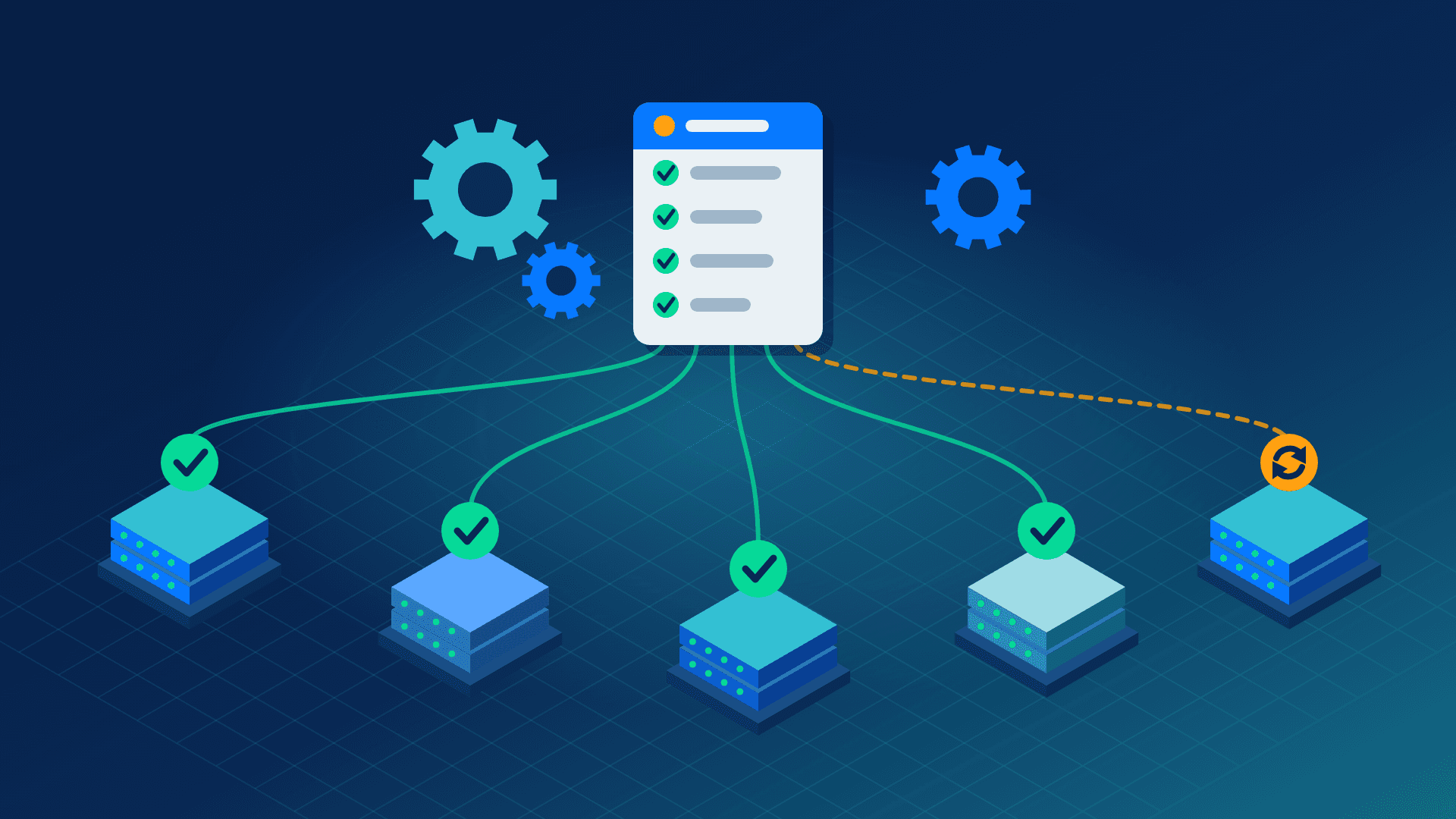
An engineer defines what a device’s configuration should look like. The platform then checks the actual state of every device against that standard. When a device matches, nothing happens. When it drifts, whether from a manual change, a failed update, or an unauthorized modification, the platform flags it and can recommend or apply a fix based on workflows the team has approved.
Safety steps are built into that loop. A backup is taken before every change, the result is validated afterward, and a tested rollback is ready if something goes wrong. That is what makes configuration automation safe to run across hundreds of devices at once.
Configuration Automation vs. Configuration Management
The two terms are often used interchangeably, but they describe different things.
Configuration management is the broader discipline: tracking existing configurations, defining the standards device configurations should meet, and controlling how changes are approved. Configuration automation is how those standards get executed and enforced at scale. Management sets the rules. Automation enforces them on every device, every time.
The two work together. Management without automation leaves a team with well-written policies and no practical way to carry them out across a large, multi-vendor network.
Why Configuration Automation Matters
Four pressures make configuration automation a necessity rather than a convenience.
- Networks have outgrown headcount. Device counts, vendor diversity, and environments keep rising while team sizes do not. Every new site, acquisition, or refresh cycle adds devices that need to be backed up, updated, and kept in line with standards. The same engineers are expected to absorb that work on top of everything else. Hiring rarely closes the gap. One head of NetOps recently said they submitted a business case for 23 FTEs across their operations in Canada, the U.S., and Mexico to keep up. Even if the additional headcount had been approved, finding that many qualified engineers is a huge challenge. Configuration automation is the most practical way to scale capacity without scaling staff, because it takes repetitive work off engineers’ plates and lets them focus on projects that need their expertise.
- Drift creates security and compliance risk. Configurations rarely stay where they were set. Manual changes made under pressure, failed updates, and unauthorized modifications all pull devices away from their approved state. Every device that quietly diverges is a potential entry point for attackers and a potential audit finding. Because drift happens between checks, teams that review configurations periodically are always looking at a snapshot in time with no idea how long the device has been out of alignment with policies and exposing the organization to risk. Configuration automation compares live configurations against the approved baseline continuously, so deviations surface when they happen rather than when an auditor or an incident finds them.
- Multi-vendor complexity makes manual work error-prone. Each vendor has its own configuration structure, its own syntax, and its own nuances between versions. A change that is simple on one device type can require a different approach on the next. Ensuring all devices match golden configurations manually~~,~~ requires that engineers constantly switch context, consult vendor documentation, and hope nothing is missed. The process is slow and error-prone. Configuration automation applies the logic across other vendor devices, so the team manages one process instead of a dozen.
- Manual changes put uptime at risk. A single typo or missed step, repeated across many devices, can turn a routine change into an outage. These types of mistakes happen too often. In a survey of over 1,000 CIOs, CISOs, and network engineers, 84% reported rising network outages, with device configuration changes cited as the most common cause. The consequences are costly; according to Cisco, downtime costs organizations up to $15,000 per minute. Manual work also tends to cut corners under time pressure, such as skipping a backup or a post-change check. Configuration automation applies the same validated change the same way every time, with a backup taken first, the result verified afterward, and a rollback ready if something goes wrong. That consistency protects availability, which is what the network team is ultimately accountable for.
What to Look for in a Solution
Not every platform handles configuration automation equally well. As you evaluate solutions, the following are a few characteristics to look for in a platform that can expand to meet your needs as your network grows.
- Broad vendor support that doesn’t require custom work for every new device type. Networks add vendors through refresh cycles, acquisitions, and specialized use cases. If each new vendor means building and maintaining new automation, coverage will always lag behind the network.
- A no-code approach to building and adjusting automations, so the team doesn’t depend on scripting expertise. Network engineers are experts in their infrastructure, not necessarily in writing code. No-code workflows keep automation accessible to the whole team and prevent it from depending on one person’s knowledge.
- Pre-change backups, post-change validation, and tested rollback are built into every change. These safeguards make it safe to run changes across hundreds of devices at once. They should be part of the workflow by default, not extra steps someone has to remember.
- Continuous drift detection paired with remediation recommendations the team can review and approve. Detection alone only produces a backlog of alerts. Look for a platform that explains its recommendations, so engineers can validate each one against their own standard operating procedures before anything is applied.
- Audit-ready reporting that shows what changed, when, and whether it met policy. A complete record of every change, whether automated or manual, lets the team address audit questions on demand instead of spending weeks assembling evidence.
How Kilter Supports Configuration Automation
Kilter, the platform built by BackBox, brings these capabilities together. It backs up and validates device configurations, detects drift continuously, and provides remediation recommendations backed by explainability, with the ability to automate fixes once the team approves them. Support for 180+ vendors means coverage doesn’t depend on which device type was easiest to integrate first, and no-code workflows mean engineers can build and adjust automations without writing scripts.
Teams running Kilter typically reduce the cost of network operations by 76% and compress jobs that used to take hours into minutes.
Schedule a 30-minute demo to see Kilter in action.
"Long-time BackBox user – consistently impressed with the product. Kilter by BackBox helps reduce the time spent writing scripts for backing up end devices and minimizes the risk of being unable to roll back to previous configuration versions."
Frequently Asked Questions
What is configuration automation?
Configuration automation is the use of software to detect configuration drift and apply, verify, and correct network device configurations against a defined standard. It replaces manual, device-by-device changes with a consistent, repeatable process.
Why does configuration automation matter?
Configuration automation matters because networks are growing faster than the teams who manage them. It lets a team keep every device aligned with its approved configuration, reduce drift, and lower outage risk without adding headcount.
Is configuration automation the same as configuration management?
Configuration automation is not the same as configuration management, but the two work together. Management defines the standards and controls how changes are approved. Automation executes and enforces those standards across the network at scale.
Does configuration automation require scripting skills?
When a platform offers no-code workflows and pre-built automations, configuration automation does not require scripting skills. Engineers can build and adjust automations without deep coding expertise or depending on one person’s knowledge.
Does configuration automation remove human oversight?
Configuration automation does not remove human oversight. Engineers still define the standards, review remediation recommendations, and approve changes. Automation handles repetitive tasks such as checking and execution.

Written by
Irfahn Khimji