

The Problem: Local Accounts Don't Scale
Every enterprise network team eventually hits the same obstacle: the tools that automate the network don't use the same identity language as the rest of IT.
Kilter by BackBox is no different; it can run with locally managed user accounts right out of the box. That's fine for a small team or a proof-of-concept. But as usage increases, local accounts start to cause serious issues.
- Credential sprawl. Every new engineer requires a new local Kilter account, which must be manually provisioned and de-provisioned.
- Offboarding gaps. When someone leaves the company, their identity provider (IdP) access is revoked immediately, but nobody remembers to disable their Kilter login. That creates persistent access risk.
- Inconsistent governance. Security and compliance teams increasingly expect every system that interacts with production infrastructure to follow the same access policies, MFA requirements, and audit trails as the rest of the IT estate. A platform with its own separate user database is a blind spot.
- No group-based access at scale. Manually assigning roles and site scope to individual users becomes unmanageable when you're handling access for dozens or hundreds of network engineers across regions, business units, or MSP tenants.
In short: local authentication places network automation outside the enterprise identity perimeter, exactly when that automation has the most privileged access to the network itself.
The Fix: Kilter as a SAML Service Provider
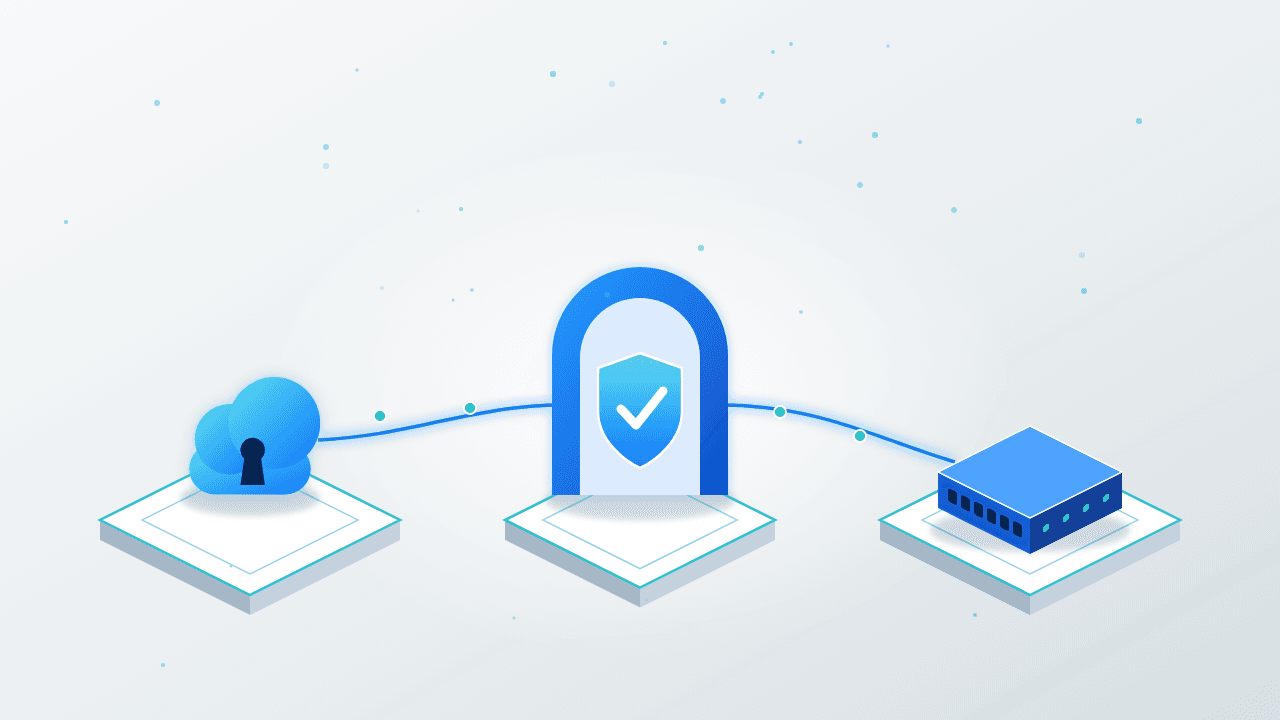
Kilter addresses this by acting as a full SAML 2.0 Service Provider (SP), allowing it to connect directly with any Identity Provider (IdP) your organization already uses, such as Okta, Microsoft Entra ID (Azure AD), AWS IAM Identity Center, Keycloak, PingFederate, Google Workspace, and other standards-compliant SAML IdPs.
Once configured, authentication proceeds as it does for all other enterprise applications.
- A user attempts to log in to Kilter and is redirected to the configured IdP.
- The IdP verifies the user's identity and enforces any MFA, conditional access, or policy rules established by the organization.
- The IdP sends a signed SAML assertion back to Kilter's Assertion Consumer Service (ACS) endpoint.
- Kilter maps the claims in that assertion, a user identifier, and, optionally, group membership, to a local identity or an SSO group.
- The user is signed into Kilter with the role and site scope for which the identity or group is authorized.
Critically, Kilter does not store a static copy of the IdP's SAML metadata. Instead, it dynamically fetches the metadata from the configured URLs during authentication and constructs the trust relationship in memory. This approach ensures that certificate rotations and IdP-side changes are automatically recognized, eliminating the need for manual metadata re-uploads.
Why Group Mapping Is the Real Unlock
The user-to-user mapping addresses the "who can log in" issue. The bigger advantage is group-based access.
Instead of creating and managing individual Kilter accounts, admins can set up a few 'SSO group' placeholder users, each mapped to a specific group identifier issued by the IdP (such as an Active Directory group, an Okta group, or a Keycloak realm group). Each of these group accounts has a role and a site scope.
When a real user authenticates:
- If there's a direct match to their individual identity, they log in as that mapped user.
- If there's no direct match but their group claim matches one of the configured SSO groups, Kilter provisions or updates an external user profile on the fly, inheriting that group's role and site access.
- If a user belongs to multiple matched groups, they are prompted to select one for that session.
- If there is no match at all, access is denied.
The practical effect: adding a user to the correct Active Directory or Okta group is sufficient to grant or revoke their Kilter access. No Kilter admin ticket needed.
Where Teams Get Tripped Up
The SAML/Kilter integration is standards-based, but a few details consistently cause issues during rollout.
- Exact string matching. Group mapping is case-sensitive and character-exact. If the IdP emits Network-Admins and Kilter is configured with network-admins, the match silently fails. Capturing the raw assertion with a SAML tracer browser extension before configuring group mappings helps avoid a lot of guesswork.
- FQDN configuration. The Assertion Consumer Service URL depends on an externally reachable FQDN set in Kilter not the local request address. Incorrect configuration results in an invalid, hostless ACS URL that the IdP will reject.
- Full group path versus bare name. IdPs like Keycloak can emit either a simple group name or a full hierarchical path, depending on a configuration setting. Kilter's expected group name must match whichever format is actually emitted.
- Naming convention confusion. Process helps ensure consistent implementation but may not lead to understandable real-world names. Kilter allows for administrators to use the “Name” alias field to help other administrators know which group has which permissions, or to provide a better tag to users who may log in under that group’s permissions.
The Bigger Picture
SAML integration is more than just a convenience for logging in. It enables network automation to evolve from a standalone tool into a governed component of the enterprise IT environment. Access to Kilter becomes subject to the same identity lifecycle, MFA policies, and offboarding processes as everything else your security team manages. For CISOs and IT auditors increasingly asking "does every privileged system enforce our access policy," SAML is how Kilter answers "yes."
If you're planning a SAML integration, BackBox Support (support@backbox.com) can guide you through prerequisites. Reach out to learn more!
Written by
Dale Penny