Closing the Gap Between NetOps and ITSM: BackBox + ServiceNow

July 28, 2026
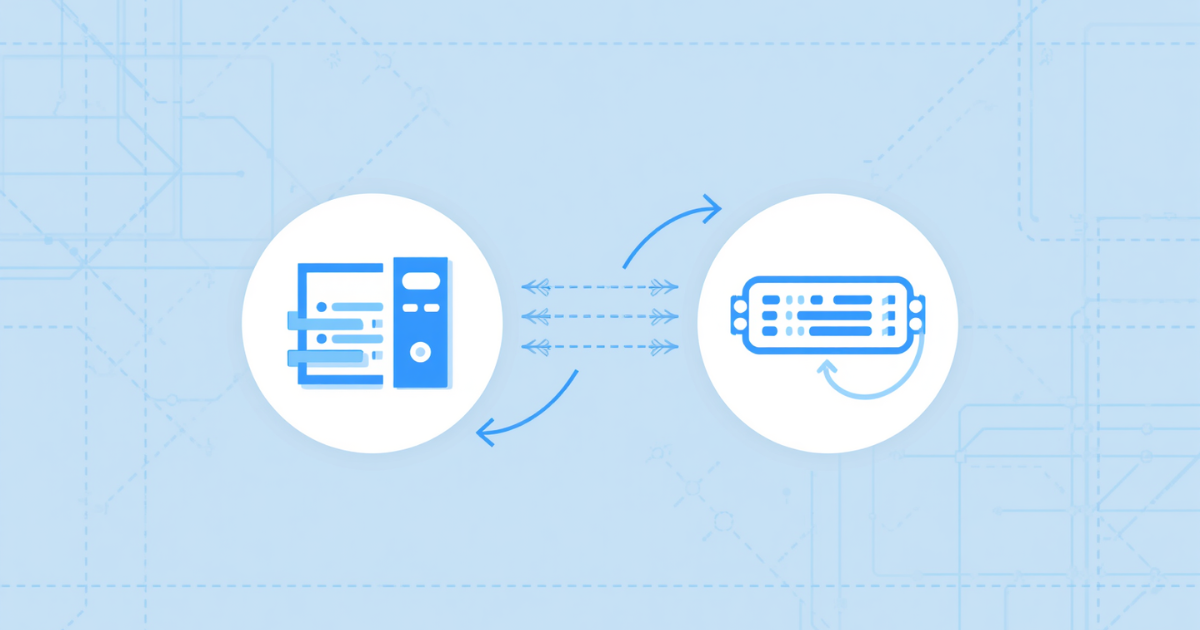
Network and IT service management teams often run in parallel. The network team backs up devices, checks compliance, and tracks vulnerabilities. The ITSM team monitors incidents, manages the CMDB, and assigns tasks to the appropriate people. When these two groups don’t communicate effectively, common issues arise: manual ticket creation, device inventories that drift out of sync, and incidents remaining unresolved long after the problem has been fixed.
The integration with BackBox and ServiceNow is designed to automatically bridge that gap — automatically, and in both directions.
What The Integration Really Does
In summary, the BackBox–ServiceNow integration accomplishes two main functions:
- Pulls device inventory from the ServiceNow CMDB into BackBox, so devices already tracked in ServiceNow’s Network Devices table don’t need to be manually re-entered into BackBox.
- Opens and closes ServiceNow incidents based on actual operational results, such as backup failures, configuration changes, compliance check failures, and detected CVEs, so the incident queue reflects what’s truly happening on the network, not just what someone remembered to report.
The effect is fewer manual handoffs, less duplicate data entry, and an incident record that stays honest.
Getting Devices into BackBox is Easy
On the ServiceNow side, devices live in the CMDB’s Network Devices table under the Assets tab. For a device to sync successfully, a handful of fields need to be populated:
On the ServiceNow side, devices are listed in the CMDB’s Network Devices table under the Assets tab. For a device to sync properly, several fields need to be populated: Name, Manufacturer/Model, IP Address, Location (Site/Customer), and Context IDs. Name and IP Address play crucial roles as they are used by BackBox to match a ServiceNow record with the correct device, so keeping these fields consistent and unique is one of the most important requirements for a smooth sync.
On the BackBox side, two prebuilt Task Automations called “BackBox -> ServiceNow -> Pull Switches” and “BackBox -> ServiceNow -> Pull Firewalls” handle the import. Point BackBox’s integration card to your ServiceNow instance with the correct credentials, run it, and BackBox connects, matches devices by hostname and IP Address then imports them, complete with an audit trail showing what was retrieved and an External Tag linking each BackBox device back to its ServiceNow asset. From there, the device is ready for the same functions as any BackBox-managed device: automated backups, IntelliChecks, and vulnerability scans.
We recommend cloning these prebuilt tasks before customizing them, so the original logic remains as a fallback.
Converting Operational Events to Incidents and Vice Versa
This is where the integration proves its value daily. A second prebuilt Task Job, “BackBox -> ServiceNow -> Open/Close Incidents”, is linked to routine jobs like daily backups. When that job runs and encounters a failure, it automatically opens a ServiceNow incident. ServiceNow’s workflow rules then assign that incident to the appropriate owner for resolution.
The lifecycle also completes itself. Once the underlying issue is fixed and the next scheduled BackBox job to Open/Close Incidents succeeds, the same task closes the incident in ServiceNow—and no one needs to remember to close the ticket. Incidents remain open only as long as they genuinely require attention. History is logged within BackBox and ServiceNOW to ensure that auditability is met, and compliance requirements can be proven.
Why It’s Worth Setting Up
Putting it all together, the practical payoff is this:
- No duplicate inventories. Devices defined in ServiceNow are automatically managed by BackBox, eliminating a second data-entry step.
- Incidents that truly reflect reality. Tickets are opened when something genuinely fails and closed when something succeeds, not just because someone remembers to update a status.
- Less time chasing status. Ownership and routing remain within ServiceNow’s current workflow rules, so your team’s incident triage process doesn’t need to change.
- A cleaner audit trail. Every sync and incident action leaves a record with asset tags matched, SYSIDs referenced, and actions performed.
How to Get Started
If backup failures, compliance violations, or CVE detections in your environment currently depend on someone noticing and manually filing a ticket, that’s usually the clearest sign this integration is worth setting up.
The prerequisites are simple, including:
- An active BackBox deployment
- A ServiceNow instance with CMDB access
- An API-enabled ServiceNow user account,
- And finally, consistent hostnames and IP Addresses
Also, the prebuilt Task means you can be up and running without custom scripting.
Network operations and IT service management were never intended to be separate conversations. With BackBox and ServiceNow automatically communicating with each other, they no longer have to be.
View our Integrations KB article to learn how BackBox handles other integrations in our platform. Ready to see how our platform works with ServiceNow in action? Request a demo.