What Is Network Automation and Why Is It Critical for Modern Networks?

August 10, 2026
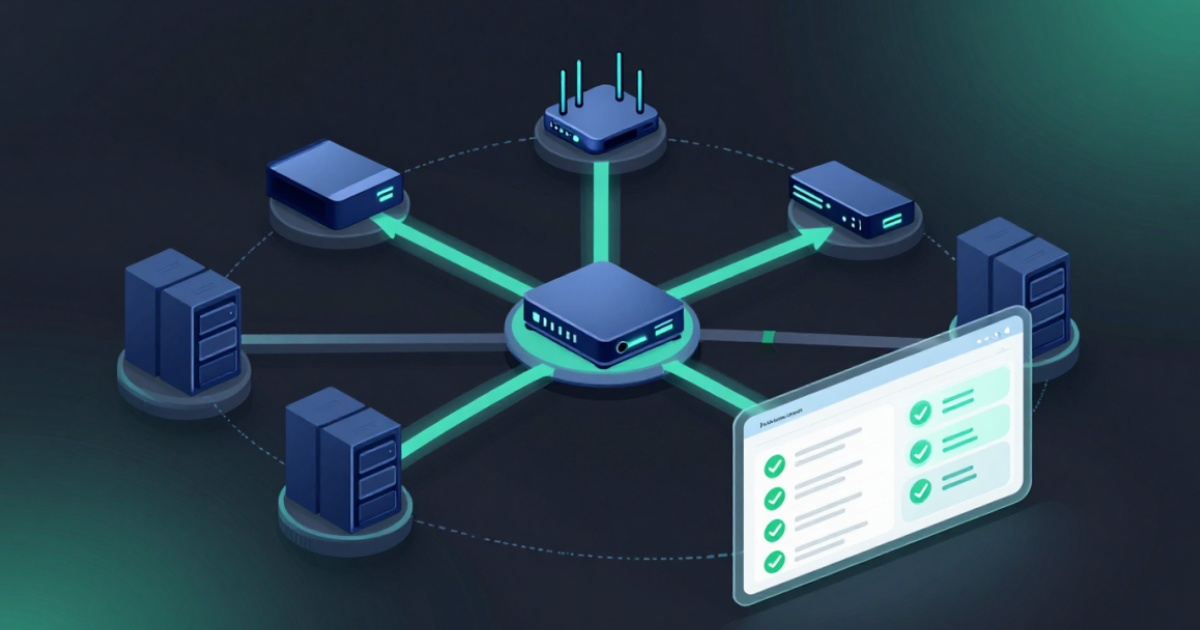
Every data center, hospital, and remote clinic in a healthcare provider’s network environment requires its own network devices, which can lead to significant management challenges. Here’s just one example: A network engineer managing 600 devices across a dozen facilities was asked to confirm, in writing, that every firewall on the network met the healthcare provider’s security and compliance baseline. There was no automated way to check. The answer required logging into each device manually, one at a time.
Exacerbating the complexity, depending on the site that needed to be audited, the device manufacturer, type, and model varied, which slowed the process further. By the time the last device was checked, it wasn’t unusual to discover that the first one had already drifted, or a change had been made that needed to be validated again for alignment with the organization’s compliance regime. A survey of over 1,000 CIOs, CSOs, and network engineers revealed that 84% of organizations report rising network outages, citing device configuration changes as the most common cause. This is exactly the type of problem that network automation solves.
Why, then, according to Gartner, are 67% of enterprise network activities still being performed manually?
This post explains what network automation is, how it works, and why it has become critical for any organization running a modern, complex network.
What Is Network Automation?
Network automation is the use of software to perform network management tasks — including configuration and compliance monitoring and updates — that would otherwise require manual, device-by-device execution. It replaces repetitive human effort with automated, repeatable processes that keep the network in its intended state continuously.
Instead of an engineer logging into individual devices to make changes one at a time, automation applies those changes across the network programmatically, consistently, and on a schedule or in response to a trigger the team defines.
Network automation doesn’t cover one device vendor or one task. It spans multiple vendors and devices and the full set of operational functions a network requires, including: configuration management, software and firmware updates, compliance enforcement, backup and recovery, device discovery, and vulnerability remediation. What unifies these functions isn’t the task itself — it’s the shift from manual execution to automated, validated execution.
The distinction that matters most is this: automation doesn’t just perform a task faster. It performs the task the same way, every time, regardless of who’s on shift, how many devices are involved, or how tired the engineer executing it might be. Automation ensures consistency, scalability, accuracy, cost-efficiency and speed for mundane tasks, leaving time for network engineers to focus on more strategic projects like evolving the network to support new IT initiatives.
How It Works
Network automation operates on a simple underlying logic: define the desired state, then let software enforce it.
An engineer defines what a device’s configuration, compliance posture, or software version should be. Automation software then continuously checks the actual state of every device against that defined standard. When a device matches the standard, nothing happens — the system stays quiet. When a device drifts out of that state, whether from a manual change, a failed update, or an unauthorized modification, automation flags it for human investigation and action or, depending on how it’s configured, can remediate based on approved and tested workflows.
This loop — define, monitor, detect, remediate — runs continuously, not on a schedule dictated by whenever an engineer has bandwidth. That’s the fundamental difference between network automation and traditional network management. Traditional management is reactive: something breaks, someone gets paged, someone fixes it. Automation is proactive: the system enforces the intended state before a break can happen, or sends an alert to accelerate action.
Modern network automation platforms extend this loop with no-code tools, letting engineers construct multi-step automations, like backing up a device before an update, validating the update, and rolling back automatically if it fails, without writing custom scripts for every scenario.
Why Network Automation Has Become Critical, Not Optional
Network automation used to be a nice-to-have for teams with the bandwidth and coding expertise to build it. That’s no longer the case, for a few concrete reasons.
Networks have grown faster than teams. The average enterprise network today spans far more devices, vendors, and environments than it did even five years ago. Headcount hasn’t grown at the same rate, and it isn’t able to. Automation is the only way to manage that gap without simply accepting more risk and slower response times.
Multi-vendor network environments are incredibly complex to maintain in a trusted state. Network engineers consistently report that their cyber resiliency is impacted by the gaps and complexities of the fractured tools they rely on to manage and safeguard their infrastructure. Automation through a unified platform that covers dozens of device vendors eliminates the fragmentation challenge.
Manual processes can’t keep pace with modern threats. Every device that isn’t automatically checked for drift or vulnerabilities is a device that could quietly become a liability. Threat actors are moving faster, and the time between network vulnerabilities being disclosed and being exploited keeps shrinking. Manual review cycles, even quarterly ones, leave that window wide open.
Compliance has stopped being a point-in-time exercise. Auditors and regulatory frameworks increasingly expect continuous proof of compliance, not a snapshot from the week before the audit. A manual process can’t produce that evidence at scale, across every device, all the time. Automation can.
High availability leaves no room for manual error. Modern networks are expected to be always on. A manual configuration mistake, a missed backup, or a failed update applied inconsistently across a high-availability pair can cause exactly the kind of outage the redundancy was built to prevent. According to Cisco, the cost of downtime has just reached $15,000 per minute. Automation removes the human error variable from operations that can’t tolerate it.
Network Automation vs. Network Monitoring
These two terms get used interchangeably, but they aren’t the same thing. Monitoring observes and tells you something is wrong. Automation acts, making sure it doesn’t stay wrong for long.
More specifically, a monitoring tool can tell you that a device configuration has drifted, that a certificate is about to expire, or that a device is running vulnerable firmware. What it can’t do is fix any of it. That step still requires a person to see the alert, prioritize it, and manually intervene. Network automation software closes that loop. It doesn’t just detect the problem, it resolves it based on rules the team has already defined.
BackBox: Built for What Network Automation Actually Requires
“BackBox has been highly effective solution for network automation, particularly for backup, compliance enforcement and configuration visibility across our multi-vendor firewall environment.”
— Enterprise IT Consultant, Gartner Verified Reviewer
Network automation only delivers real value when it works across the entire environment, not just a subset of devices or a single vendor. BackBox is a network cyber resilience platform built to automate the full scope of network operations, including configuration management, compliance enforcement, backup and recovery, and vulnerability intelligence, across 180+ vendors, without requiring a single line of code.
Teams running BackBox typically reduce the cost of network operations by 76% and compress jobs that used to take hours into minutes, regardless of how large or diverse the network becomes.
Schedule a 30-minute demo to see BackBox in action.
Frequently Asked Questions on What is Network Automation?
What are some commonly automated network management tasks?
Some of the top tasks network engineers use network automation for include:
- Network Device Provisioning: Streamlining the setup of new devices.
- Backup & Compliance: Ensuring reliable backups and compliance reporting.
- Configuration Management: Automating the deployment of changes across multiple devices and monitoring configuration drift.
- Vulnerability Intelligence and Prioritized Remediation: Rapidly identifying high-priority vulnerabilities based on actual network risk and remediating.
Is network automation the same as network orchestration?
No, though they can work closely together. In fact, market confusion from orchestration tools is one factor that has contributed to the delay in adopting network automation. Only a subset of Telcos and ISPs that use their networks as revenue generators need complex and expensive orchestration tools and sizeable teams of skilled engineers to support these heavy service deployments. These tools are designed to help manage extremely large networks that cover huge areas and have demanding service level agreements, fast traffic growth, and millions of users.
In contrast, the everyday tasks all companies need to perform to ensure their infrastructure is resilient, secure, compliant, and reliable can be easily addressed with network automation, which handles single, specific, repetitive tasks like updating a configuration file.
Do you need to know how to code to use network automation tools?
No. Modern network automation platforms include pre-built automations and a no-code way to customize or build new ones. Network engineers can create and adjust automations for their evolving network environments without writing or maintaining scripts.
What is the ROI for network automation?
Network automation delivers a strong ROI by reducing manual effort, lowering downtime costs, and speeding up task completion. Many organizations see returns within 12 months and, over time, the benefits can grow to be as much as 28 times the initial investment. This framework can help you calculate ROI for your environment.
How can I make a case for network automation to my organization?
If you’re in a situation where your network is growing and becoming increasingly complex, while security and compliance requirements are outpacing your team’s ability to keep up using manual methods, then you have a very strong case for network automation. These tools can help you elevate the importance of network cyber resilience to your organization and introduce BackBox.